
Uncategorized

quickbooks data migration guide

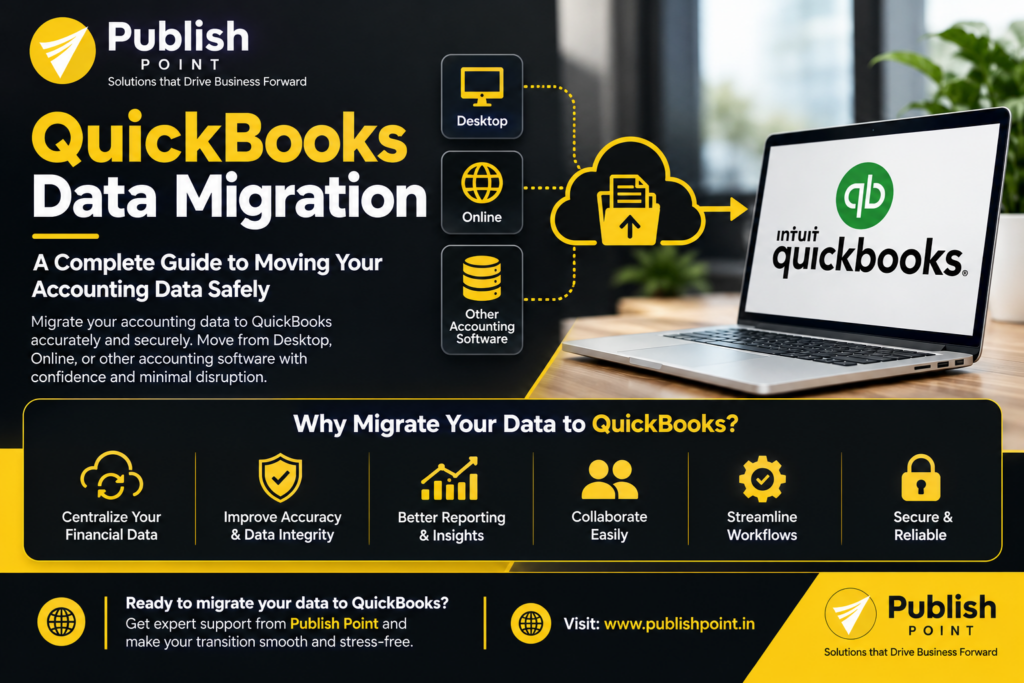
Best QuickBooks Data Migration: A Complete Guide to Moving Your Accounting Data Safely

Managing financial information across different accounting systems can be challenging for growing businesses. Whether you are switching accounting software, upgrading from QuickBooks Desktop to QuickBooks Online, or consolidating financial records from multiple platforms, moving your data accurately is essential. QuickBooks data migration helps businesses transfer financial information from one accounting system to QuickBooks while maintaining organized records and supporting business continuity. However, a successful migration requires more than simply transferring files. It involves data preparation, account mapping, validation, and testing to ensure your financial information remains accurate and accessible. In this guide, we will explain what QuickBooks data migration involves, common migration challenges, the key steps in the process, and how professional migration support can help your business make the transition smoothly. What Is Data Migration? QuickBooks data migration is the process of transferring financial and accounting information from an existing system into QuickBooks Desktop or QuickBooks Online. Depending on your business requirements and source accounting software, the migration may include: The exact data that can be transferred depends on the source platform, the QuickBooks destination, file compatibility, and the migration method used. A well-planned QuickBooks data migration helps businesses maintain financial continuity, reduce manual data entry, and organize their accounting information within their new system. Why Do Businesses Need QuickBooks Data Migration? Businesses migrate accounting data for several reasons. Understanding your objectives before starting the process helps determine the right migration approach. 1. Moving From QuickBooks Desktop to QuickBooks Online Many businesses consider moving from QuickBooks Desktop to QuickBooks Online to access cloud-based accounting features and work with financial information remotely. This transition requires careful preparation to ensure that supported company data, account balances, transactions, and other relevant records are transferred correctly. 2. Switching From Another Accounting Software Businesses using Sage, Xero, or other accounting platforms may want to move their financial operations to QuickBooks. During this process, account structures, transaction formats, tax settings, and customer or vendor records may differ between systems. Proper data mapping helps address these differences before importing the information. 3. Improving Financial Record Management Some businesses have years of accounting information spread across spreadsheets, accounting applications, and separate company files. Migrating the required data into QuickBooks can help centralize financial records and create a more consistent accounting workflow. 4. Supporting Business Growth As businesses expand, their accounting requirements may become more complex. A planned migration can help align accounting processes with changing operational needs, reporting requirements, and financial management workflows. QuickBooks Data Migration Common Challenges in QuickBooks Data Migration Although data migration offers several benefits, the process can create problems when it is not handled correctly. Inconsistent or Duplicate Data Customer names, vendor records, and account details may be duplicated or formatted differently in the source system. Importing these records without reviewing them can create unnecessary clutter in QuickBooks. Solution: Clean and standardize the source data before migration. Identify duplicates and agree on consistent naming conventions. Incorrect Account Mapping Different accounting platforms may use different account names, numbering systems, or account classifications. Mapping accounts incorrectly can affect how transactions appear in financial reports. Solution: Review the source chart of accounts and map each relevant account to the appropriate QuickBooks account before transferring the data. Missing or Incomplete Transactions Certain transaction types, attachments, custom fields, or historical details may not transfer directly between platforms. Solution: Identify the required records in advance, confirm compatibility, and determine whether additional conversion or manual handling is necessary. Incorrect Opening Balances Opening balances must align with the approved financial records as of the migration date. Errors can affect the balance sheet, accounts receivable, accounts payable, and subsequent reconciliation activities. Solution: Record the starting balances, reconcile relevant accounts, and compare the results after migration. Business Disruption An unplanned migration can interrupt invoicing, payment processing, reporting, and other accounting activities. Solution: Establish a migration schedule, communicate responsibilities, and plan the transition around important accounting deadlines. Step-by-Step QuickBooks Data Migration Process A structured migration process helps reduce errors and makes it easier to identify and resolve issues. Step 1: Assess Your Existing Accounting System Begin by identifying your current accounting software, the version you use, the volume of financial data, and your target QuickBooks product. Determine which records must be transferred, how much historical information is required, and whether any data needs to be archived rather than migrated. Step 2: Back Up Your Accounting Data Create a secure backup of your existing accounting records before making changes. The backup provides a reference point if you need to investigate discrepancies or restore information during the migration process. Restrict access to financial files and use appropriate security measures when sharing data with migration specialists. Step 3: Clean and Prepare the Data Review customer and vendor records, account balances, transaction dates, and duplicate entries. Resolve known discrepancies where possible. This preparation helps reduce the risk of carrying inaccurate or unnecessary information into QuickBooks. Step 4: Map Accounts and Transactions Match the source system’s accounts and data fields with their appropriate destinations in QuickBooks. Pay particular attention to account classifications, tax-related information, payment records, inventory data, and outstanding balances. The mapping process should reflect your business’s accounting requirements rather than relying on assumptions. Step 5: Perform the Data Migration Transfer the approved information using a migration method appropriate for your source system and QuickBooks destination. Depending on the project, this may involve built-in conversion tools, supported imports, third-party migration utilities, or specialized data conversion. Not every accounting platform supports a direct or complete transfer, so the process should be selected after reviewing compatibility. Step 6: Validate the Migrated Data After the migration, compare the results against your original accounting records. Important checks include: Investigate any differences before relying on the migrated data for ongoing accounting activities. Step 7: Test Your Accounting Workflows Before fully transitioning, test the activities your team performs regularly, such as creating invoices, recording payments, entering bills, generating reports, and reviewing account balances. Once the data and workflows have been checked, establish a clear transition date and procedures for handling any remaining records.

Best QuickBooks Data Migration: A Complete Guide to Moving Your Accounting Data Safely Read More »
Accounting Data Migration in USA

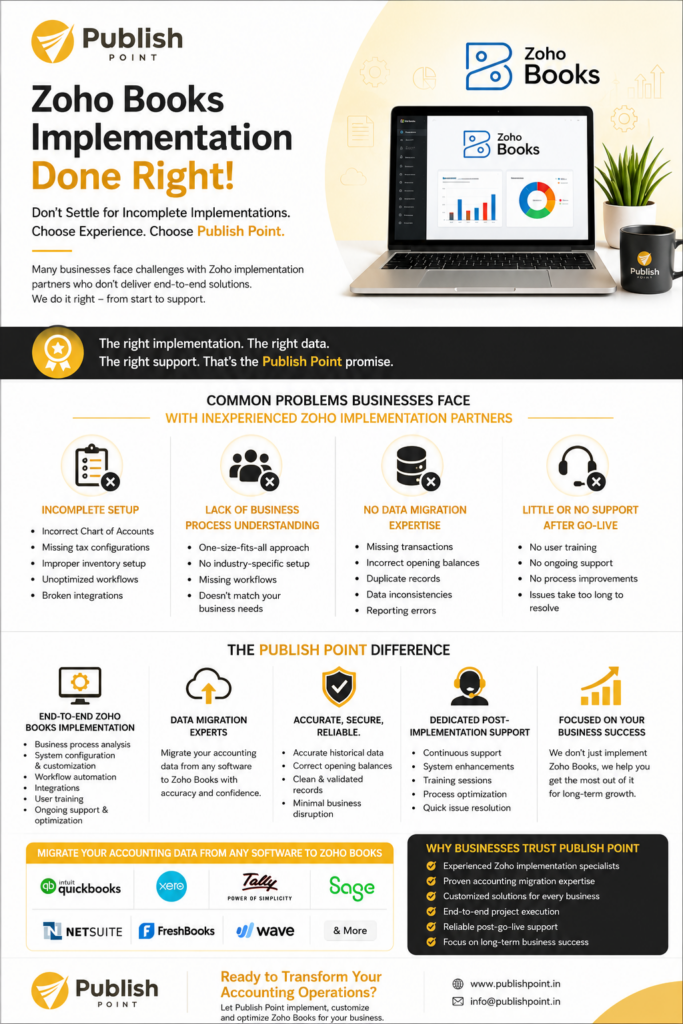
Why Many Zoho Books Implementations Fail—And Why Accounting Data Migration in USA Expertise Matters

Is Your Zoho Books Implementation Creating More Problems Than Solutions? Many companies buy Zoho Books for easy automation, better reporting, and better financial management. Unfortunately, not all Zoho implementation partners can provide these outcomes. Businesses are turning to Publish Point more and more after experiencing bad implementation, incomplete customization, and failed accounting data migration in USA projects. The problem isn’t Zoho Books itself, but the expertise in accounting data migration and implementation. Why Accounting Data Migration Is Critical for Zoho Books Success Proper accounting data migration is the basis of a successful project in Zoho Books. Incorrect accounting data migration can cause reporting problems, incorrect balances, and inefficiencies in companies’ operations. Professional accounting data migration is vital when you are switching from QuickBooks, Sage, Xero, NetSuite, Tally or any other accounting platform to make sure that your business transition is smooth. Common Problems Businesses Face with Inexperienced Zoho Implementation Partners 1. Incomplete Setup Many implementation companies just install the basics and skip important requirements: Wrong Chart of Accounts Missing tax configuration Wrong inventory configuration Integrations that are broken Unoptimized Workflow In USA, Often poor implementation leads to additional problems during accounting data migration. 2. Lack of Business Process Understanding Each company has its own set of requirements. Your generic implementation approach can affect negatively your accounting data migration in USA and future scalability. Many of the providers don’t get it: Sector-specific requirements Approval processes Operations with several entities Reporting obligations Custom automation requirements If you don’t understand your processes, both implementation and accounting data migration can fail. 3. No Accounting Data Migration Expertise This is one of the biggest reasons why businesses need to re-implement Zoho Books. Transfer of data from bad accounting In USA can lead to: Transactions missing Wrong opening balances Duplicate entries Inconsistent data – report bugs Professional accounting data migration In USA process ensures that every financial transaction is properly passed on to Zoho Books. Accounting data migration In USA is a crucial task that cannot be ignored by the businesses as it has a direct impact on the financial reporting and decision-making. 4. Little or No Support After Go-Live Some implementation companies vanish after deployment. Nevertheless, businesses often need help with: User Education System upgrades Debugging Process improvements Continuous optimization Even with data migration factored in It is done in USA, continuous support is needed to make sure that everything is working well. The Publish Point Difference At Publish Point, we believe Zoho Books implementation should be a long-term business transformation, not just software installation and basic accounting data migration In USA. End-to-End Zoho Books Implementation We provide: ✔ Business process analysis ✔ System configuration and customization ✔ Workflow automation ✔ Integration with third-party applications ✔ User training and onboarding ✔ Ongoing support and optimization Specialized Accounting Data Migration Services At Publish Point, accounting data migration In USA is one of our core services. We specialize in accounting data migration In USA from: Our accounting data migration In USA process includes: ✔ Historical transaction migration ✔ Opening balance migration ✔ Customer and vendor migration ✔ Inventory migration ✔ Product migration ✔ Tax data migration ✔ Financial report validation ✔ Post-migration testing Our proven accounting data migration methodology ensures accuracy, reliability, and minimal business disruption. Why Businesses Choose Publish Point for Accounting Data Migration In USA Businesses trust us because our accounting data migration In USA services are: ✔ Accurate ✔ Secure ✔ Fully validated ✔ Customized to business requirements ✔ Supported by experienced migration specialists ✔ Delivered with post-go-live support Our team has successfully completed numerous accounting data migration In USA projects for businesses worldwide. Benefits of Professional Accounting Data Migration In USA Professional accounting data migration helps businesses: Without proper accounting data migration In USA, businesses often spend months correcting financial data and rebuilding reports. Why Businesses Trust Publish Point Planning Your Accounting Data Migration In USA to Zoho Books? Choosing the right implementation partner can make the difference between success and a costly reimplementation. At Publish Point, we specialize in Zoho Books implementation, customization, support, and accounting data migration from any accounting software. If you’re planning accounting data migrationto Zoho Books, our experts can help you migrate your data accurately and efficiently. Ready to Transform Your Accounting Operations? Publish Point Website: www.publishpoint.in Email: info@publishpoint.in Partner with Publish Point for reliable accounting data migration, successful Zoho Books implementation, and long-term support.

Why Many Zoho Books Implementations Fail—And Why Accounting Data Migration in USA Expertise Matters Read More »

Accounting Data Migration

Accounting Data Migration to Zoho Books | Smart Guide for Growing Businesses

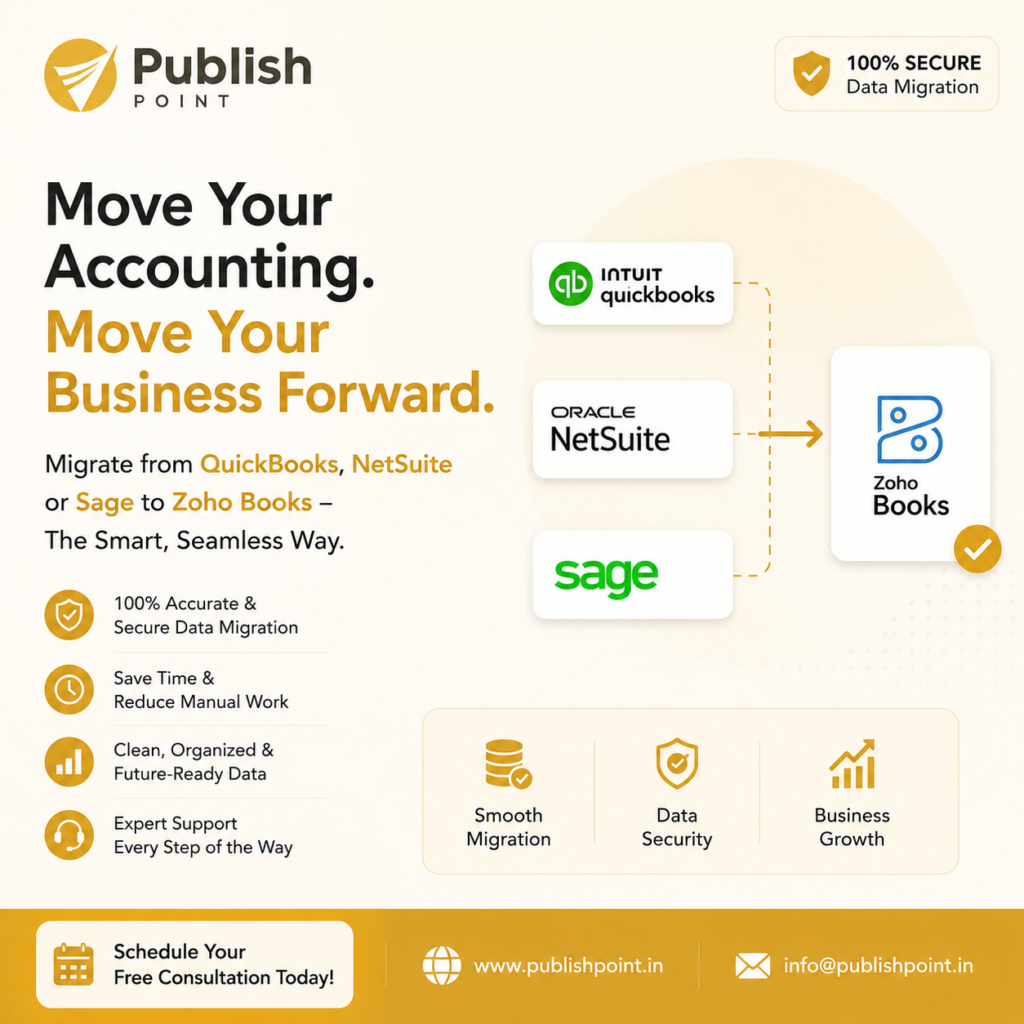
In today’s fast paced business environment, managing finances efficiently is crucial to growth. Many businesses still use legacy accounting systems like QuickBooks, NetSuite, or Sage. These platforms have been good for organizations over the years, but more and more modern businesses are looking for flexible, cloud-based and affordable solutions that grow with their business. This is the role Zoho Books plays. Why Consider Migrating to Zoho Books? Zoho Books is a full-fledged cloud accounting platform designed to help you streamline your financial management, automate workflows, and get real-time visibility into your business performance. Zoho Books allows businesses to streamline accounting processes, reduce manual work and increase operational efficiency. Best Accounting Data Migration Consultant in USA – Data Migration Services Accounting Data Migration And Key Benefits of Zoho Books 1. Streamlined Financial Management Zoho Books has an intuitive interface that makes it easier than ever to manage invoices, expenses, payments, taxes and reports. Teams can get financial data at any time from anywhere. 2. Economical Solution Zoho Books is competitively priced and offers powerful features that help businesses maximize ROI over many traditional accounting platforms. 3. Time-saving automation Automate recurring invoices, payment reminders, bank reconciliation, workflows and reporting to reduce manual work and remove repetitive tasks. 4. Smooth Integration Zoho Books works well with other Zoho apps and third-party business tools, creating a unified ecosystem for your business operations. 5. Business Insights in Real Time Get accurate reports and dashboards that help business leaders make informed decisions and identify growth opportunities. Migrating from QuickBooks, NetSuite, or Sage to Zoho Books Many organizations hesitate to change accounting systems for fear of data loss, downtime or complex migrations. But a structured migration process can make migrating to Zoho books smooth and risk-free. Migrate your data with the best accounting data migration consultant in the USA. At Publish Point, we specialize in helping organizations migrate from: Zoho Books to QuickBooks Zoho Books to Oracle Netsuite Zoho Books to Sage Our migration experts will securely and accurately transfer your historical financial data, customer records, vendor information, invoices, chart of accounts, and transactions to Zoho Books. Our Zoho Books Migration Process Assessment & Planning We evaluate your existing accounting setup and define a migration roadmap tailored to your business needs. Data Extraction Relevant accounting data is securely extracted from your current platform. Data Cleansing & Validation We clean, organize, and validate data to ensure accuracy and consistency. Secure Data Migration Your financial records are migrated using proven methodologies and industry best practices. Testing & Verification Our team performs comprehensive testing to ensure all data has been transferred correctly. Training & Support We provide post-migration support and guidance to help your team transition confidently. Why Choose Publish Point? 100% Accurate & Secure Data Migration We follow strict security standards to protect your financial information throughout the migration process. Reduced Manual Work Our experts automate the migration process wherever possible, minimizing disruptions to your business. Clean, Organized & Future-Ready Data We ensure your data is structured properly for reporting, automation, and future scalability. Expert Support at Every Step We are with you from planning through post-migration support to help you succeed. Future-Proof Your Accounting System As businesses grow, they require accounting solutions that can adapt to changing needs. With Zoho Books, you get the flexibility, automation and scalability needed to power business growth over the long term. Now is the time to switch if you’re using QuickBooks, NetSuite or Sage and are considering a modern accounting solution. Schedule Your Free Consultation Today Top accounting data migration consultant in USA for migrating to Zoho Books. Publish Point can ensure a smooth, secure and hassle-free transition with minimum disruption to your business operations. Contact us today to discuss your migration requirements and find out how Zoho Books can help take your business forward. Website: www.publishpoint.in Email: info@publishpoint.in

Accounting Data Migration to Zoho Books | Smart Guide for Growing Businesses Read More »

WordPress Emporium Frudbaz – Restaurant WordPress Theme Fruteez – Healthy Food & Drinks Brand Elementor Template Kit FS Poster GPL – WordPress auto poster & scheduler FS Poster – WordPress Social media Auto Poster & Scheduler [Facebook, Instagram, Twitter, Pinterest] Ftech – IT Solution Technology WordPress Theme Fudo – Real Estate Elementor Template Kit Fugu – NFT & Crypto WordPress Theme Full Width Background Image Slider Fuller – Creative Portfolio, Resume & Agency WordPress Theme FullPage – Fullscreen One Page Theme